
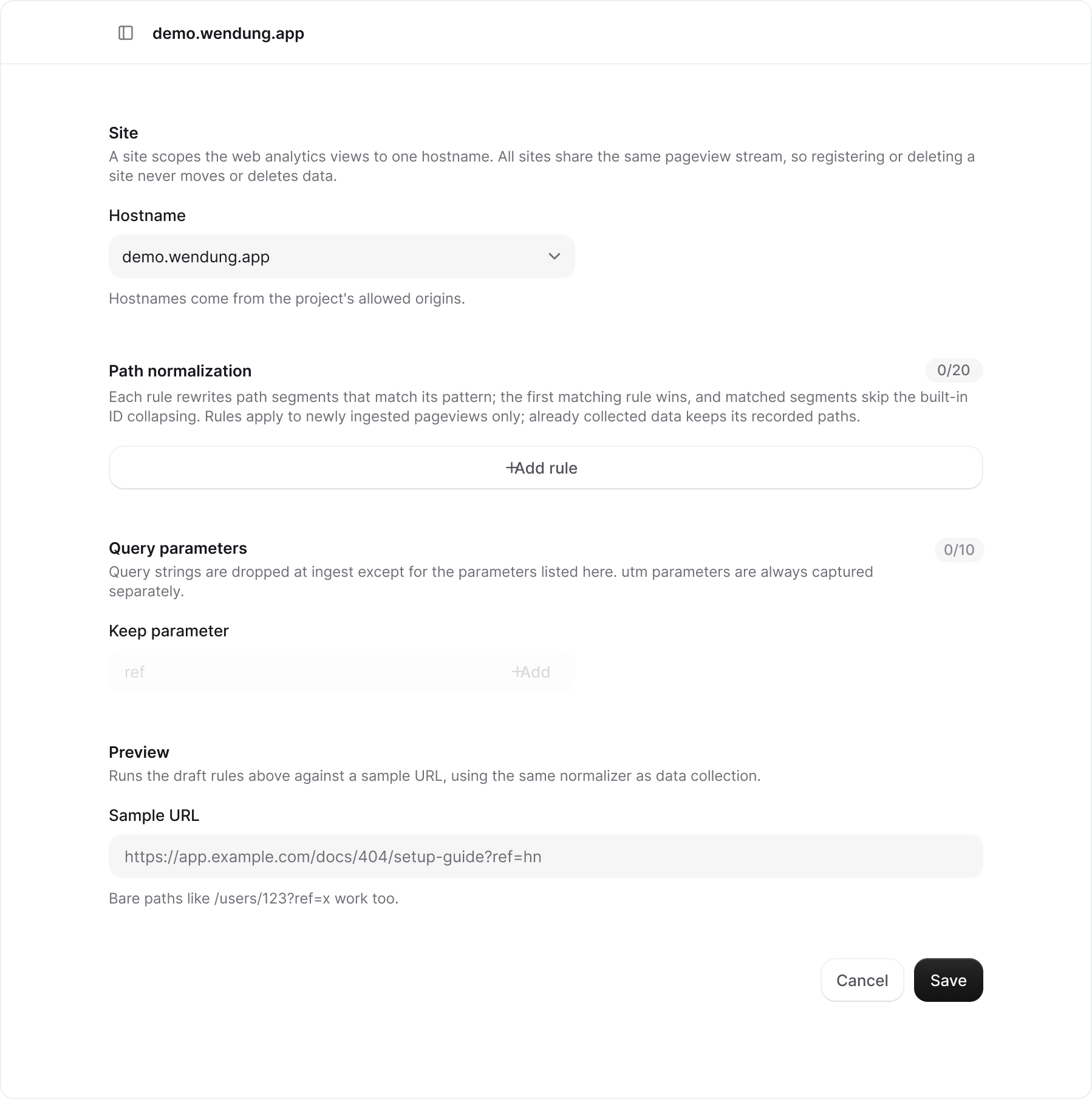
Hostname
The hostname comes from the project’s allowed origins. A site scopes reports to one hostname; all sites share the same pageview stream, so changing the hostname does not move or delete data.Path normalization
Each rule has a pattern (a regular expression) and a replacement. Rules are tested against one path segment at a time, in the order shown. The first rule that matches a segment wins, and that segment skips the built-in collapsing of numeric IDs and UUIDs. Drag the handle at the start of a row to reorder rules. A site can have up to 20. Rules apply to pageviews collected after you save. Data that was already stored keeps the paths it was recorded with.Query parameters
Query strings are dropped at ingest, so/docs?ref=hn&session=abc is stored as /docs. Add a parameter name under Keep parameter to store it with the path; up to 10 per site. utm_source, utm_medium, utm_campaign, utm_term, and utm_content are always captured as campaign fields and do not need to be listed.